HomeNavigation arrowBlogNavigation arrow
Current page
Feature Updates

Weekly Recap: Better PhotoTag Controls & Roster Improvements 📸✨

Weekly Recap: Better PhotoTag Controls & Roster Improvements 📸✨
Hey photo friends! 👋

‍

Candy here with another weekly recap! This week brings some especially useful workflow upgrades, including better PhotoTag management in Manage Images, larger virtual group limits, and several improvements for large rosters and PhotoRosters.

‍

Let’s jump in!

‍

🏷️ Better PhotoTag Management in Manage Images

‍

You could already select multiple images and add a PhotoTag. Now you can clean them up just as easily.

‍

➖ New Remove PhotoTags option

  • Select multiple images in Manage Images and use the new Remove PhotoTags button to remove PhotoTags from the selection.

‍

🧹 Duplicate PhotoTag assignment fix

  • Fixed an issue where Edit Folder could assign the same PhotoTag to the same image multiple times.

‍

👥 Move PhotoTagged Group Photos to the Top

‍

There’s also a new Advanced Offer setting:

‍

PhotoTagged Group to Top of Gallery

‍

When enabled, PhotoTagged Group Photos will appear at the top of Personal Galleries instead of the bottom.

‍

We generally recommend leaving this off, but it can be useful for Events where Personal Galleries contain a very large number of individual images and you want important Group Photos to be easier to find.

‍

📥 Multi-Select Download Change

‍

Downloads started through the Selected Images sheet in Manage Images will now automatically retry if an individual download stalls.

‍

This should be helpful when working on slower or congested networks where one image hanging could otherwise interrupt a larger download.

‍

📋 Roster & PhotoRoster Improvements

‍

Several fixes this week make roster workflows more reliable:

‍

👥 Large roster uploads fixed

  • Fixed uploads for customers with more than 1,000 people in their spreadsheet.

‍

✉️ Malformed email handling improved

  • Fixed an edge case where an email containing a ? instead of an @ could stop the upload process partway through the roster.

‍

🔢 PhotoRoster Event counts fixed

  • Fixed cases where the number of Events associated with a PhotoRoster could display incorrectly.

‍

⚠️ Better PhotoRoster export errors

  • Exporting a PhotoRoster directly from an Event page now provides the same detailed error reporting you’d receive when exporting from the PhotoRoster page itself.

‍

🎨 Candy Image Studio Fix

‍

🔁 More reliable “Try Again” edits

  • Fixed an edge case where editing an Event image during a Try Again sequence could accidentally generate an entirely new image instead of using the existing edit as its starting point.

‍

🖼️ Participant Download Fix

‍

✨ Overlay downloads fixed for faux renders

  • Fixed Download with Overlay not working correctly for faux renders — cutouts displayed with an Event background.

‍

🧑‍🤝‍🧑 Virtual Groups

‍

If you create a lot of Virtual Groups for an Event, and need to download them for some reason - this will save you some time!

‍

📥 New Download All button

  • The Virtual Group List page can now automatically render and download all Virtual Groups for an Event instead of making you process them one at a time.

‍

👥 Up to 200 subjects per Virtual Group

  • The maximum subject limit in Virtual Group Builder has been increased to 200.

‍

That’s the week!

‍

Relatively light changes this week (compared to our usual weekly recaps at least) as we work on some important things behind the scenes!

‍

Keep creating magic,

Candy 🍬

Related articles

Weekly Recap: More PhotoTag Power + Capture App Upgrades 🏷️📱
Feature Updates
August 15, 2025

Weekly Recap: More PhotoTag Power + Capture App Upgrades 🏷️📱

6
 minutes read

Hey there, photo friends!

We’ve got more PhotoTag goodness this week, along with some handy Capture App improvements and small workflow wins. Here’s what’s new:

‍

🏷️More Ways to Use PhotoTags in the Dashboard

‍

  • • Assign PhotoTags to Participants right from the Participant Details page
  • • See PhotoTag images on the Participant Details page for quick reference
  • • Filter Participants by PhotoTag from the Participant List page
  • • PhotoTags now appear on Scan Cards—assigned tags will print right under the participant’s name
  • • Participant galleries on retail now include group photos from their assigned PhotoTags

📋Smoother Roster & Participant Management

‍

  • • Contacts created via scan cards, rosters, Tap-A-Face, or generic check-in are now fully editable like normal participants—no more “blank” contacts
  • • Roster uploads no longer require you to manually remove parentheses in your files (one less cleanup step!)

📱Capture App 4.20.2 Highlights

‍

  • • Use cellular while connected to CamFi or Canon Wi-Fi (great for maintaining uploads while tethered)
  • • Force cellular use via the Resources page if needed
  • • App badge now shows the number of unuploaded images
  • • Sort and filter by PhotoTag in Name Lookup to speed up team or group sessions
  • • New UI improvements, including:
    • • Fullscreen card scan popup on iPhone
    • • New “Choose Participant” popup design
    • • Native iOS-style dropdowns and toggle switches for a cleaner, faster feel

🖼️Small Retail Site Improvements

‍

  • • When cropping an image with a background selected, the cropper now shows the background so you can see exactly how it will look
  • • Jersey Jotter filter combos are now inclusive—meaning “Black + 0” will only show black jerseys with the number 0, not all black jerseys or all 0 jerseys

‍

That’s it for this week!

‍

Lots of small changes adding up to smoother workflows and better gallery organization. 🏆

‍

Keep being amazing,

Candy 🍬

‍

Big News: PhotoTags for Participants 🏷️👤
Feature Updates
August 12, 2025

Big News: PhotoTags for Participants 🏷️👤

6
 minutes read
Hey there, photo friends!

‍

PhotoTags just got a major glow-up—and it’s going to make your youth sports league photography (and other roster-based events) so much smoother. ✨

‍

You probably already know PhotoTags as a way to organize images from an Event into public image groups—perfect for team photos, tournament games, or multi-day event galleries.

‍

But now? PhotoTags can also be assigned to Contacts. Let’s break down what’s new and how it all works together.

‍

📋 Assign PhotoTags in Your Rosters

‍

When uploading a roster to a Name Lookup Event in the Web Dashboard, you can now include PhotoTag columns in your spreadsheet.

‍

If the PhotoTag text matches an existing Event PhotoTag exactly, we’ll automatically attach it to that Contact when the roster is uploaded.

‍

👀 View & Edit PhotoTags for Contacts

‍

On the Participant Details page, you can now:

‍

  • • See all PhotoTags assigned to that Contact
  • • Assign or unassign additional PhotoTags
  • • Rename PhotoTags without breaking existing links (the updates will flow everywhere!)

‍

🖨️ PhotoTags on Scan Cards

‍

Using the Scanner ID Workflow? Your downloaded Scan Cards now display any assigned PhotoTags—making it super easy to match the right cards to the right team. ⚽🏀🏈

‍

🖼️ Group Photos in Galleries

‍

If Group Photos are attached to a PhotoTag, they’ll automatically appear at the end of every personal gallery for subjects with that same PhotoTag. (Non-group images assigned to a PhotoTag won’t auto-appear in personal galleries.)

‍

📱 Sort Name Lookup by PhotoTag (Capture & Upload App v4.20.1)

‍

This one’s a game-changer for on-site shooting:

‍

You can now filter Name Lookup by PhotoTag—so if you’re photographing the “Panthers” next, just filter and only Panthers will appear.

‍

We’ve also polished the Name Lookup interface to make it faster and easier to navigate. You’re welcome. 😉

‍

That’s the scoop on PhotoTags for Participants! 🏷️💪

‍

Together, these changes mean:

‍

  • • Faster on-site team photography
  • • Better organization from roster upload to final gallery
  • • Cleaner communication with coaches, parents, and teams
  • • Happier clients (and fewer mix-ups!)

‍

Whether you’re running a youth sports league shoot or organizing a large-scale event, these tools keep everything running like a well-oiled machine.

‍

Keep tagging like a pro,‍

‍

Candy 🍬

Photographing Homecoming Weekend with NowCandid: A Photographer's Playbook
Photography Tips
August 12, 2025

Photographing Homecoming Weekend with NowCandid: A Photographer's Playbook

8
 minutes read
High school homecoming weekend is packed with photo-worthy moments

‍

From the parade and pep rally to the big game, homecoming court, and the dance. For photographers, it’s a whirlwind. But with NowCandid™, even a small team can cover it all efficiently and profitably.

‍

Below is a quick look at each event, the opportunities it presents, and the NowCandid tools that help you make the most of them.

‍

__wf_reserved_inherit

‍

🎉 Homecoming Parade – Kicking Off the Celebration

‍

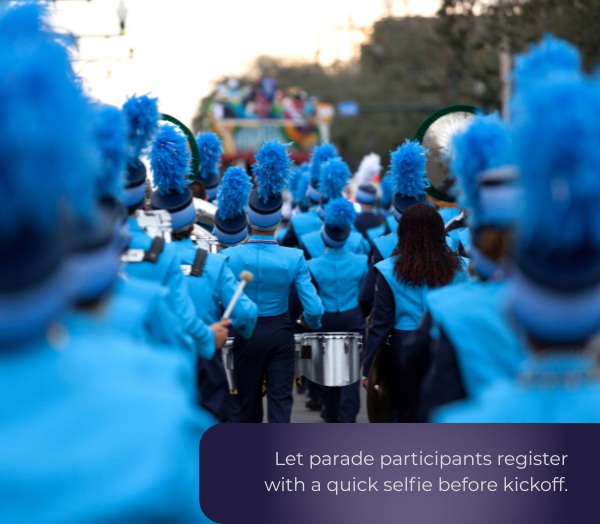
  • • Selfie Check-In™: Let parade participants register with a quick selfie before kickoff. Face Matching will tag them automatically later.
    ‍
  • • Roam & Shoot: Focus on faces & emotional moments, not journalistic shots. The system will do the rest!
    ‍
  • • PartyPics™: Upload images in real-time for attendees, parents and students to view instantly.
    ‍
    💡 Every identified face is a potential sale. Automation ensures you don’t miss anyone.

‍

__wf_reserved_inherit

‍

📣 Pep Rally – Spirit & Smiles

‍

  • • Selfie Check-In™: Continue building your attendee database for the weekend.
    ‍
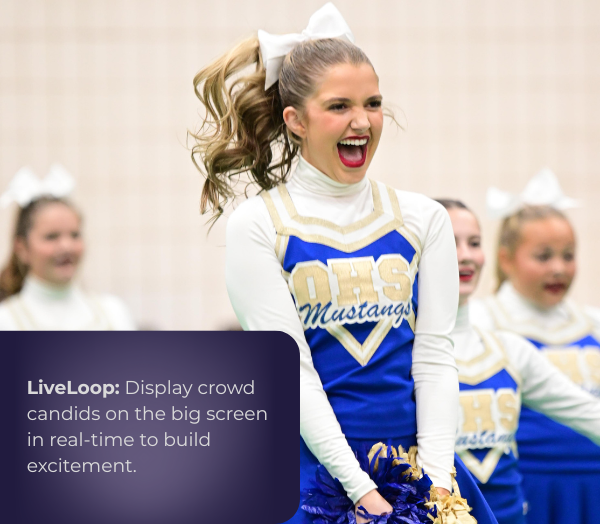
  • • LiveLoop™: Display photos on the big screen in real-time to build excitement.
    ‍
    💡 More personalized photos = more likely purchases.

‍

🏈 Football Game – Under the Lights

‍

  • • Face Matching™: Match images to fans, players, and band members automatically.
    ‍
  • • JerseyJotter™: You can even let fans filter photos by jersey number for easy finds.
    ‍
  • • Live-Upload: Deliver shots before halftime!
    ‍
  • • LiveLoop™: Show photos on the big screen during breaks for instant crowd buzz.
    ‍
    💡 Thousands of game photos become searchable and personal, boosting sales.

‍

__wf_reserved_inherit

‍

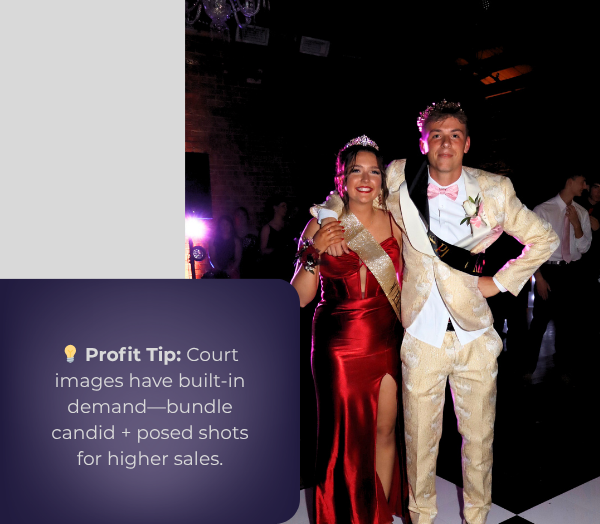
👑 Homecoming Court – Crowning Moments

‍

  • • Prepare: Add nominees to Face Matching™ ahead of time with Selfie Check-In™!
    ‍
  • • Background Removal: Instantly turn sideline shots into elegant portraits.
    ‍
  • • Live-Upload: Provide those crowning shots well before the night’s over.
    ‍
    💡Court images have built-in demand, your social pics will encourage bigger package sales!

‍

💃 The Dance – A Night to Remember

‍

  • • Selfie Check-In™ at the Door: The best time to get Check-Ins!

    • Even if someone checks-in again, that's no problem! Get everyone to do it as they funnel into the dance.
      ‍‍
  • • Digital Backgrounds: Offer multiple themed or elegant options for portraits, our real-time background removal makes it easy.
    ‍‍
  • • Photo Booth + LiveLoop™: Between NowCandid's Photo Booth Mode & LiveLoop™, you have multiple upsell options that create more photos and more positive energy!
    ‍
    💡 Multiple background choices can lead to one image being purchased multiple times!

‍

__wf_reserved_inherit

‍

🚀 Why It Works

‍

NowCandid™ turns homecoming into a personalized, real-time, high-volume photography experience—without extra staff.

‍

  • • Efficiency: Automation handles matching, sorting, and delivery.
    ‍
  • • Delight: Participants see their photos fast and without searching.
    ‍
  • • Profitability: More sellable images, quicker turnaround, and premium offerings = better margins.

‍

A typical homecoming weekend is jam-packed with memories in the making.

‍

For a photographer, it used to mean juggling notebooks of names, printing hundreds of proofs, or spending days in post-event labor. Now, with tools from NowCandid™, a single photographer (even operating solo) can confidently cover the parade, pep rally, game, court, and dance – and do it in a way that’s both fun for students and profitable for the business.

‍

By using features such as Selfie Check-In™ and Face Matching™ to ensure everyone’s identified, FreePics™ and LiveLoop™ to deliver excitement in real time, and Photo Booth and AI-powered backgrounds to offer creative products, you transform the event photography workflow from chaotic and labor-intensive to smooth, high-tech, and engaging.

‍

In short, NowCandid’s software and workflows allow you to capture the full spirit of homecoming‍

‍

Every candid laugh, every triumphant cheer, every dance floor twirl – and get those images into the hands of the people who will cherish them, almost as fast as the memories are made.

‍

This means happier clients, more sales, and a homecoming weekend where the photographer can enjoy the process as much as everyone else enjoys the photos.

‍

Here’s to using technology to work smarter, wow your customers, and make homecoming (and many more events to come) a win-win for everyone involved!

Let’s get in touch

If you’re a photographer looking to add NowCandid™ services to your wheelhouse, set up a call with us!

How to customize formatting for each rich text

How to customize formatting for each rich text

How to customize formatting for each rich text

How to customize formatting for each rich text

How to customize formatting for each rich text

‍

‍

What’s a Rich Text element?

The rich text element allows you to create and format headings, paragraphs, blockquotes, images, and video all in one place instead of having to add and format them individually. Just double-click and easily create content.

A rich text element can be used with static or dynamic content. For static content, just drop it into any page and begin editing. For dynamic content, add a rich text field to any collection and then connect a rich text element to that field in the settings panel. Voila!

Headings, paragraphs, blockquotes, figures, images, and figure captions can all be styled after a class is added to the rich text element using the "When inside of" nested selector system.

  • List One
  • List Two
  • List Three
  • List Four
  • List Five

This is a link

This is bold text

‍

  • ‍

‍