

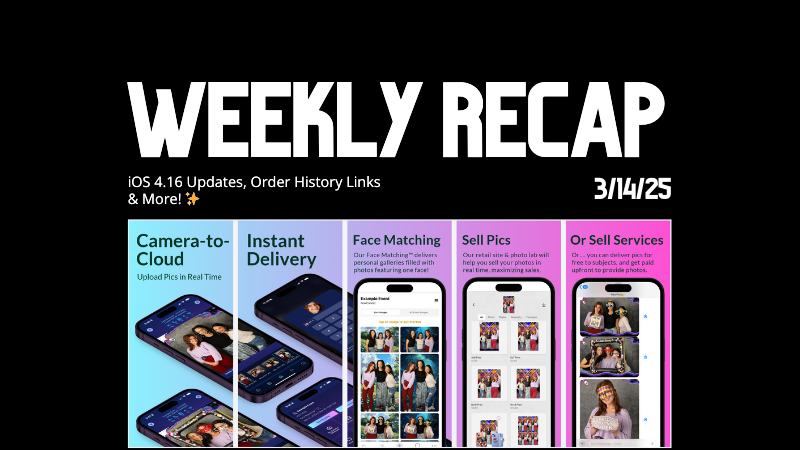
Weekly Recap: iOS 4.16 Updates, Order History Links & More! ✨
.png)
Hello, my fabulous photographers!
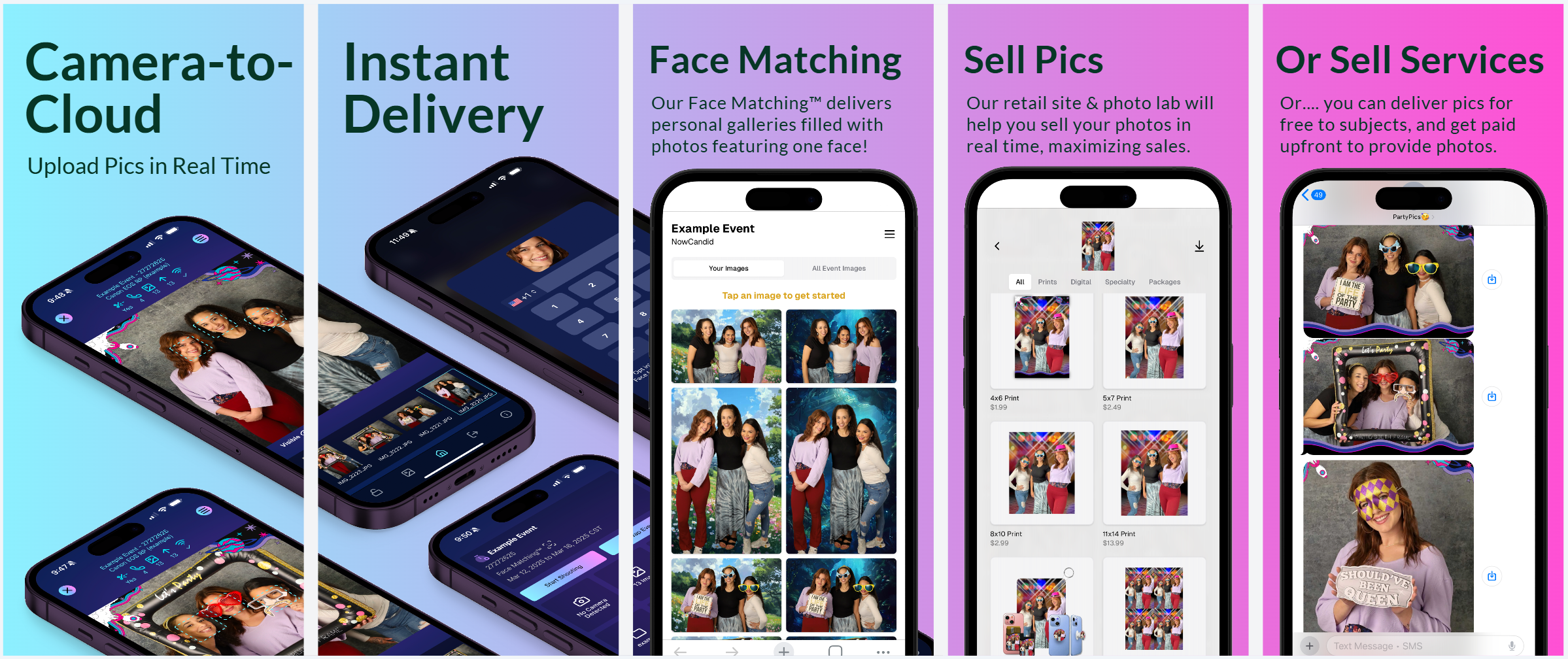
Candy here, and welcome to this week’s Weekly Recap. We’ve been busy fine-tuning your NowCandid™ experience with a host of practical updates—from enhanced iOS features to smarter marketing and reporting tools.
Whether you're managing events on the go or perfecting your galleries, these improvements are designed to streamline your workflow and boost your productivity.
Let’s dive into this week’s updates!
1. iOS 4.16 Updates 🍏
Our latest version, iOS 4.16, brings a host of new features and UI improvements to make your workflow smoother:
- • Camera Permissions Required:
The app now requires camera permissions on startup—reducing issues caused by accidental declines.
- • New “Resources” Page:
Our info page has been revamped into a “Resources” page that mirrors the dashboard site. It now includes detailed button descriptions and a stylish UI.
- • Device Storage Indicator:
Check your remaining storage right from the Resources page, so you know when it’s time to free up space.
- • Low Disk Space Login Block:
If your device has less than 1GB of free space, logging into an event is disabled—ensuring you can always upload your images without hiccups.
- • New Event Landing Page:
A more detailed UI now lets you view image overlays and see descriptive shooting buttons before you dive into capturing photos.
- • Photo Booth Landing Page:
View custom background files and camera info, among other helpful items—and also a handy link to teach you about Guided Access!
- • Vertical Liveview Support:
For Sony and Canon users, you can now manually set the Photo Booth liveview to vertical. (Nikon auto-orients, and iPad cameras are always vertical.)
- • Other UI Refinements & Performance Tweaks:
We’ve polished numerous small details to boost overall efficiency.
2. Accessible Download Links 📥
Great news for your customers—and for you, too!
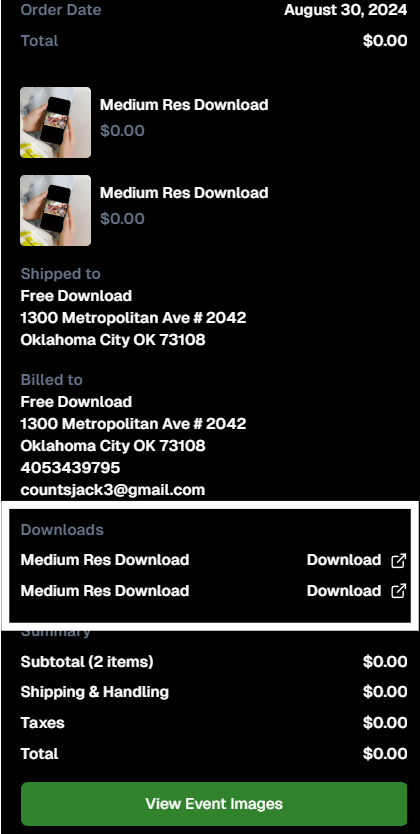
- • Order History:
End customers now access their download links from past orders via their Order History (if they were signed in at the time of the order).
- • Order Details:
Photographers can also access links to ordered downloads from an Order's Details page in the dashboard.
3. Hold Marketing Feature ⏸️
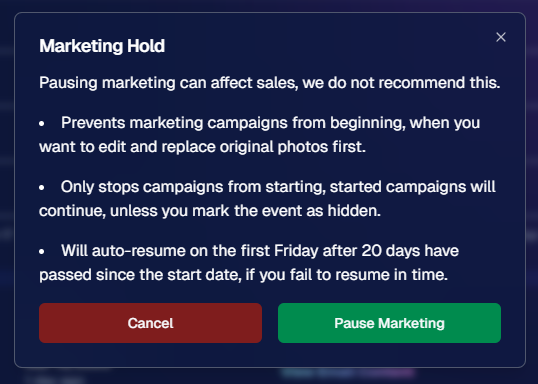
Need to pause your marketing while you fine-tune your images? Our new Hold Marketing option is here to help:
- • Pause Campaigns:
On an Event’s Marketing Page, you can halt new marketing messages from starting. (Started campaigns continue unless you mark the event as hidden.)
- • Auto-Resume:
If you forget, the campaign will auto-resume on the first Friday after 20 days from the event’s start date.
- • Optional Use:
While not generally recommended, this feature is perfect for unique situations—like editing and replacing photos before releasing marketing.
4. Event Management Portal Updates 🌐
Our Event Management Portal (access via quic.pics/portal) just got an upgrade:
- • Enhanced Image Downloading:
Now you can download images with custom backgrounds directly from the portal.
- • Multi-Select & New Filters:
Enjoy improved multi-select options and refined tools, just like on the main dashboard.
- • Consistent Tools:
Most of the updates we’ve applied to the primary dashboard lately are now available here as well, making it easier for your photographers to manage active, recent, or upcoming events.
5. Group-by-Face™ Upgrades 👥
Our Group-by-Face™ feature just got even better!
- • Improved Accuracy:
We’ve refined things to ensure fewer false matches when using this feature.
- • In Case You Didn't Know:
In a Face Matching™ event, simply head to the Manage Images page and select “Group-by-Face™” to run it.
This adds clickable boxes around faces on the retail site, directing users to galleries of images featuring that face.
That’s this week’s Weekly Recap!
We hope these updates—ranging from UI enhancements to new marketing tools—make your NowCandid™ experience even more efficient and enjoyable.
As always, we’d love to hear your feedback.




.svg)


