HomeNavigation arrowBlogNavigation arrow
Current page
Feature Updates

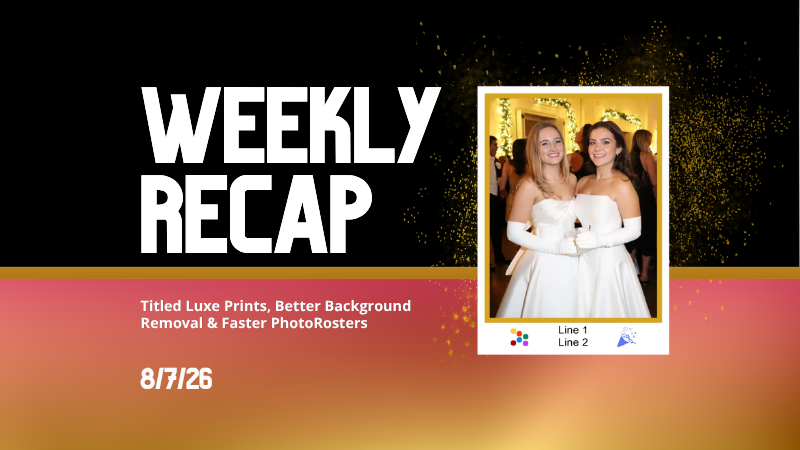
Weekly Recap: Reworked Titled Luxe Prints, Better Cutouts & Faster PhotoRoster Imports ✨📸

Weekly Recap: Reworked Titled Luxe Prints, Better Cutouts & Faster PhotoRoster Imports ✨📸
Hey photo friends! 👋

Candy here with another round of updates! This week’s highlights include a fresh redesign for Titled Luxe Prints, a brand-new 4×6 size, continued Background Removal improvements, and some helpful Dashboard upgrades for PhotoRosters, Event Tags, and Positive ID workflows.

✨ Titled Luxe Prints Get a Refresh

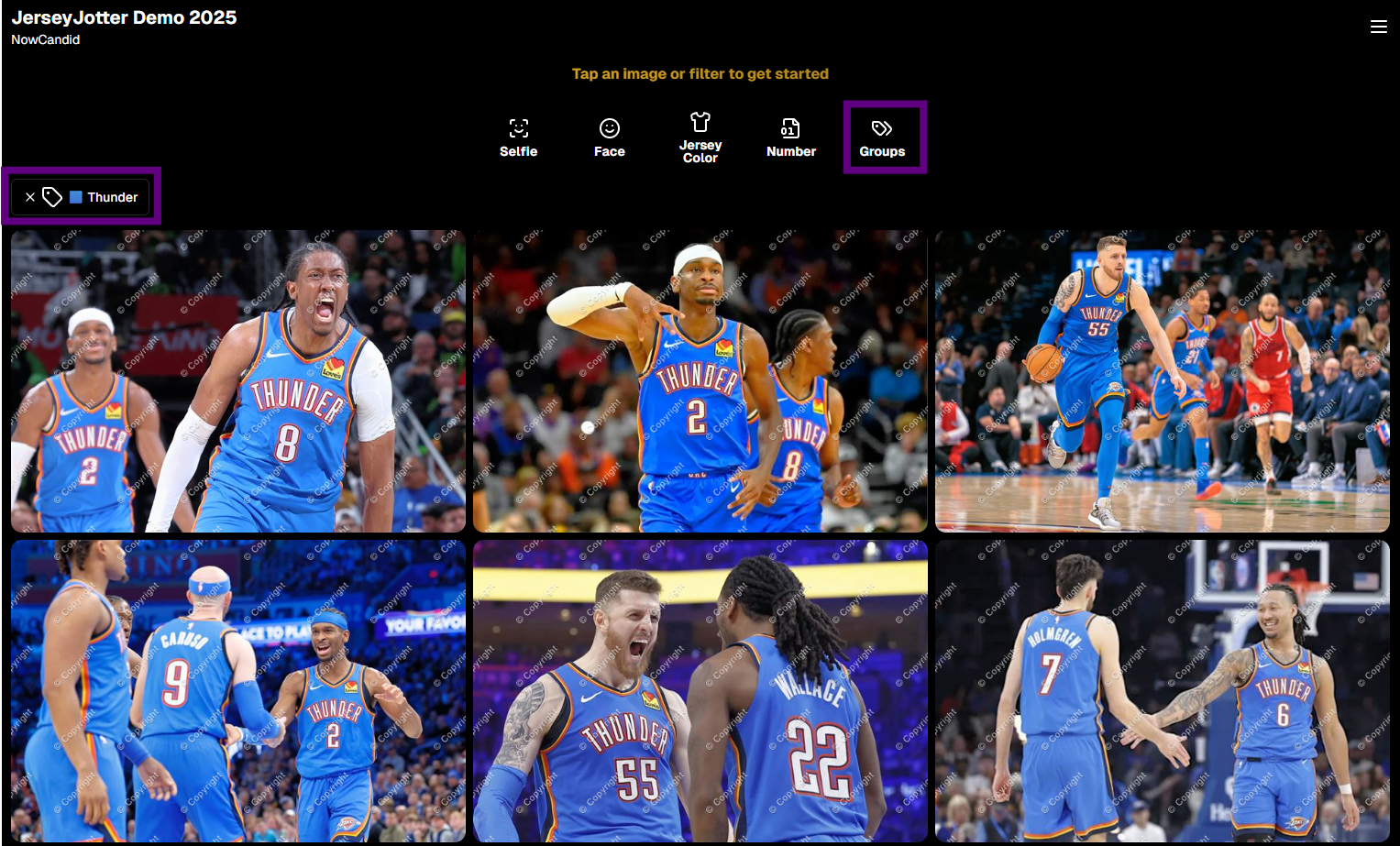
Titled Luxe Prints have been reworked to feel more like the classic PartyPics style while still keeping the premium embellishments that make them special.

🖼️ Updated Titled Luxe Print design

  • Still embellished
  • Still supports 3 caption lines
  • Still includes 2 crests
  • Now has a more traditional PartyPics-style look

🆕 New 4×6 Titled Luxe Print

  • Priced at $1.38
  • Includes both 2D and 3D renders
  • Joins the existing 5×7 and 8×10 sizes

You can preview the updated product here:
https://app.nowcandid.com/3d/titled-luxe-print

✂️ Background Removal Keeps Getting Better

🟢 Green screen cutouts improved (again!)

Overall cutout quality improved

We’re continuing to tune Background Removal so cutouts look cleaner across more shooting conditions. Stay tuned for even more improvements!

📱 Capture App 5.9.1 – Android

📷 Full-quality internal camera capture

  • Android devices now use the full available quality of their internal cameras when shooting through the Capture App.
  • Previously, it was using a down-sized version!

🖥️ Dashboard Improvements

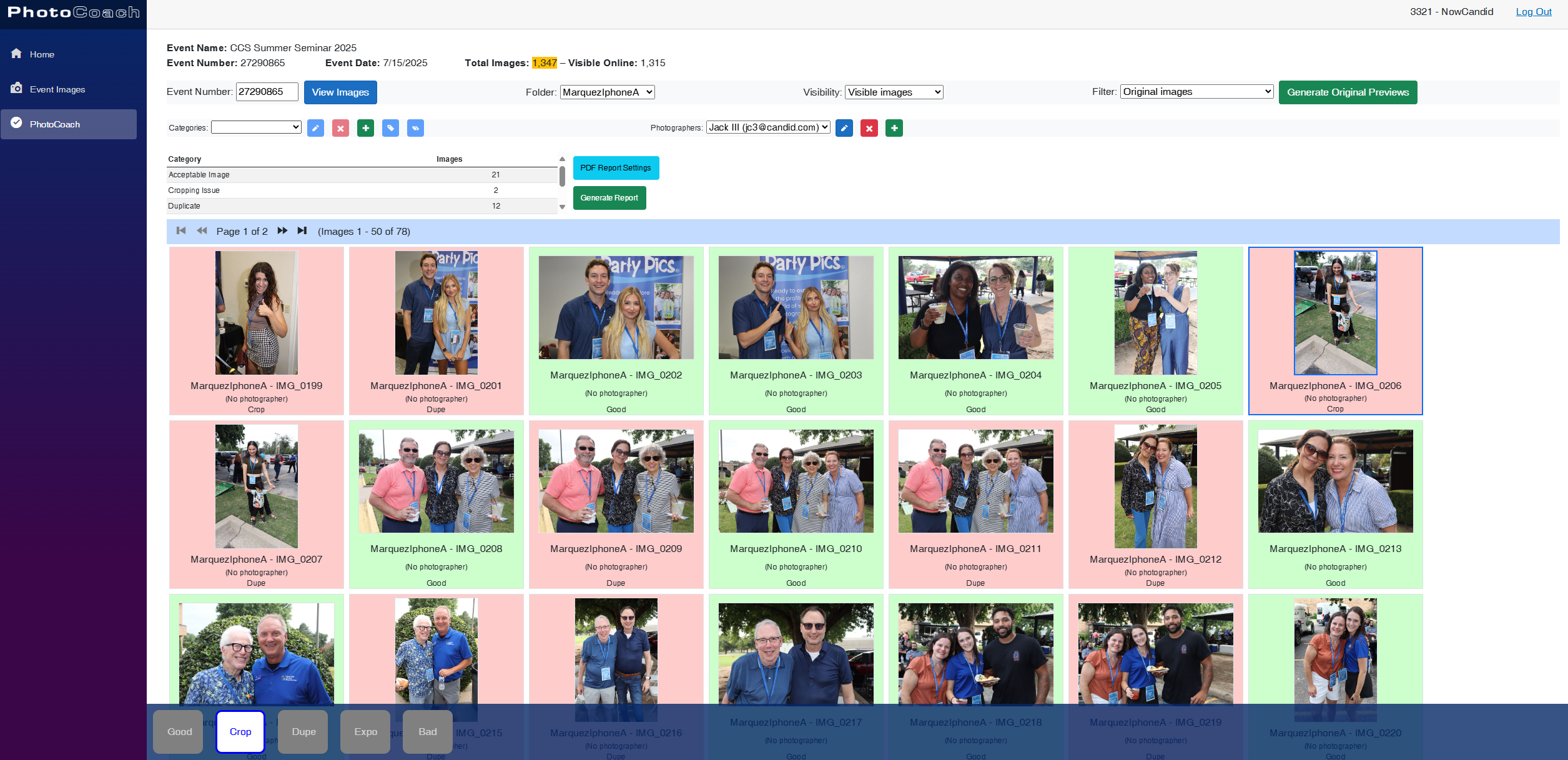
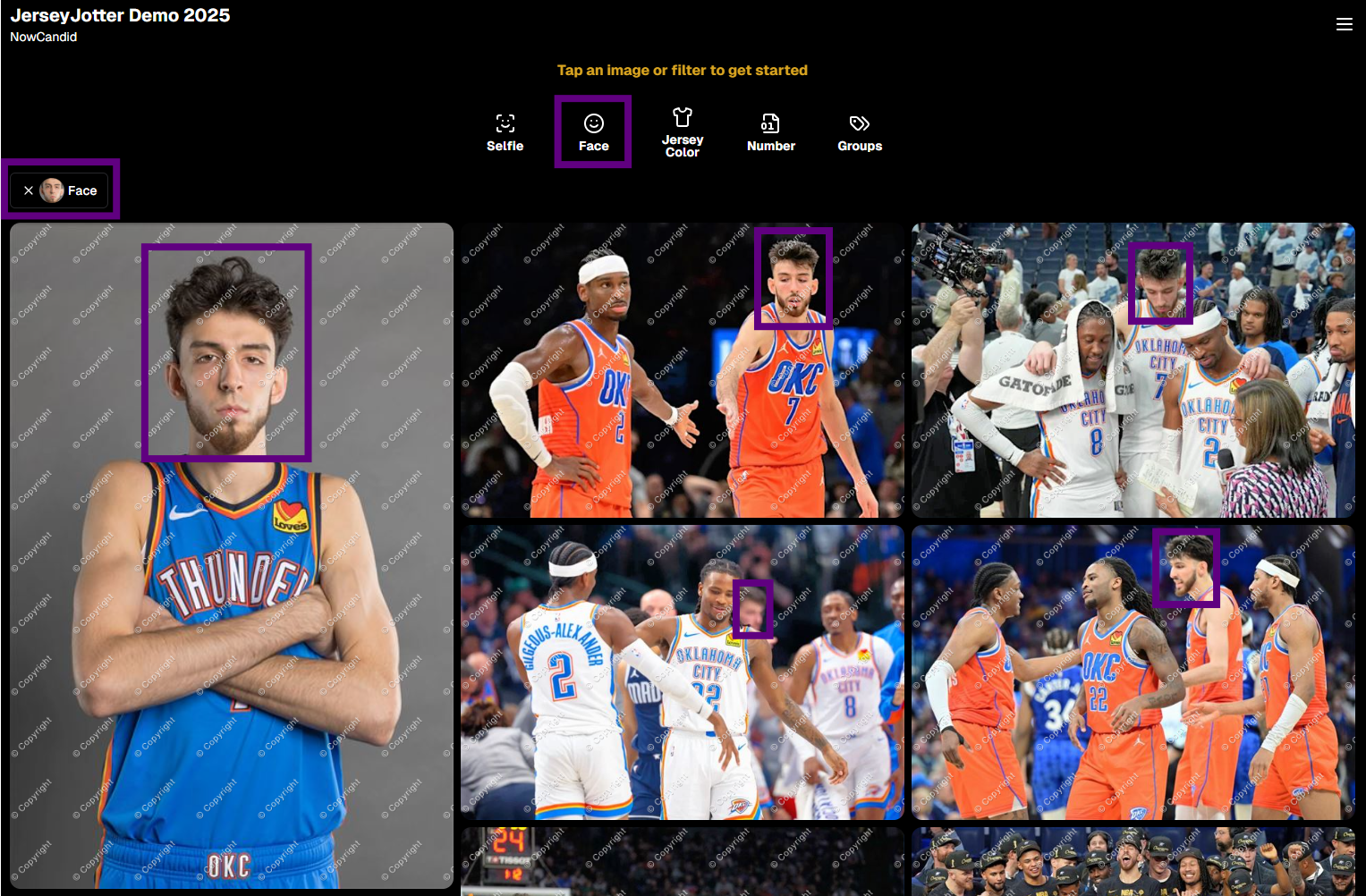
🪪 Faster Positive ID Scanner Card generation

  • The Scanner ID Workflow's Scan Card PDF Generator is now performs better, stalls less, and produces significantly smaller download files.

⚠️ Background artwork warning

  • When uploading an Event background, NowCandid can now detect text or logos and show an extra warning.
  • This reinforces the existing recommendation to avoid placing important text or branding on backgrounds where product cropping could cut it off. Use our Overlay features instead!

Clearer Auto Editor folder naming

  • Manage Images now shows a sparkles icon for Folders containing AI edits, with clearer formatting for Folders created by the Auto Editor.

📥 Import PhotoRosters directly from Participant List

  • Face Matching Events now have an Import from PhotoRoster button at the top of the Participant List page, letting you select and import a PhotoRoster without navigating away.

🎨 Candy Image Studio & Auto Editor

🖼️ Background Generator improvements

  • Outputs are now sized more appropriately for uploading back into an Event
  • Generated background sets match each other more consistently

💰 Every node now displays its price

  • Previously, only discounted nodes showed pricing. Now every node clearly displays what it costs!
  • Expect more nodes with their own unique prices in the future! We will continue to build on and improve our Auto Edit & Image Studio tools.

🧩 Predetermined node order

  • Nodes can no longer be drag-and-dropped into different edit "orders".
  • Their hierarchy is now set automatically so edits run in the best possible sequence without you needing to think about it!

🛠️ Auto Editor UI refreshed

  • Several interface changes make setup and options clearer and easier to understand.

📋 PhotoRoster Improvements

👥 Multiple PhotoRosters per Event

  • Fixed an issue that could prevent you from importing more than one PhotoRoster into the same Event.

💬 Clearer disabled export messaging

  • If Export is unavailable, clicking it now explains why.

🚫 Empty PhotoRosters can’t be exported

  • A PhotoRoster must have at least one member with an image before it can be exported to an Event.

🔐 Password-Protected Public Event Lists

Event Tags now have an optional extra layer of privacy:

🔑 Password-protect your Public Event List Pages:

  • ➕ Set a password while creating a new Event Tag
  • ✏️ OR add or remove the password using the Event Tag editor

This works similarly to the password protection for your Private Image Download Galleries.

🛍️ Retail Fixes & Protection

🖼️ Fixed package editing edge cases where the Overlay step could be missing while choosing a new image

🛡️ Additional GalleryGuard improvements

That’s the week!

The refreshed Titled Luxe Prints are the star of this update, with better Background Removal, easier PhotoRoster importing, and more control over Event Tags rounding things out.

Keep creating magic,

Candy 🍬
Related articles

Weekly Recap: Longer Face Matching™, New PhotoRoster Tools & Retail Tweaks!🗓
Feature Updates
June 6, 2025

Weekly Recap: Longer Face Matching™, New PhotoRoster Tools & Retail Tweaks!🗓

5
 minutes read
Hey friends! 📸

Candy here with another round of updates from the NowCandid™ world.

This week brings big improvements for Face Matching™ Events, new ways to re-use your check-ins across Events, and a couple of helpful tweaks to the retail site and image management tools.

Let’s dive in! 👇

⏳ Face Matching™ Now Lasts 60 Days!

That’s right—your Face Matching™ window has now doubled from 30 to 60 days from your Event's Start Date! 🙌

This means even more time for:

  • • Late uploads to still get matched 🔄
  • • Schools to send out the Selfie Check-In™ link after the Event 📬
  • Stragglers to find their photos 🧍‍♀️🧍‍♂️🧍

But here’s your friendly reminder: the faster you upload, the better your sales! 🏃‍♂️💸

📸 Every image uploaded goes through:

  • • Exposure correction automatically
  • • Optional cart-wide light retouching for customers
  • • Manual review for print color accuracy
  • • Intuitive cropping tools for end users

So don’t sit on your images to batch-edit them all—uploading sooner = more sales.

Every day that passes = potential sales slipping by. Speed matters!

🔁 Create PhotoRosters™ from Selfie Check-Ins!

This one’s a fun one for graduation season! 🎓

Now you can create a PhotoRoster™ directly from the Selfie Check-Ins™ of a previous Event.

Here’s why it’s awesome:

  • • Ran a great Prom with tons of Check-Ins? ✅
  • Reuse that same data to auto-create your graduation PhotoRoster™! 🎓
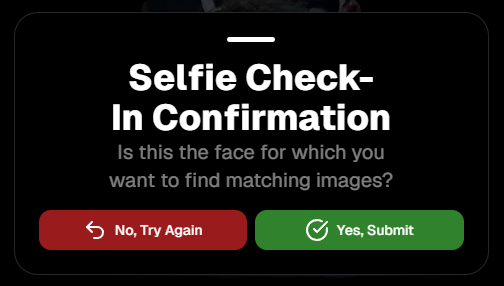
  • If participants Check-In again or get added via Tap-A-Face™, NowCandid™ automatically merges based on contact info = no duplicate galleries, no confusion!

Perfect for client relationships where you cater to all of their school's Events!

🧰 Misc. Improvements & Fixes

A few extra goodies for your workflow this week:

  • 🔠 New image name sort option on the Manage Images page (great for keeping sequences clean).
  • 📲 Prominent Selfie Check-In™ button added to All Images galleries (so folks can find their pics even faster!).
  • 🧾 A “non-refundable” tag has been added to the shopping cart & receipt for digital items to help set better expectations.
    • (Digital photography = no take-backs! This helps avoid confusion.)

That’s all for now! 🎉

If you have any questions about the new features, you can always reach me from your dashboard! 💬

See you next week for more enhancements and pro tips!

Cheers,

Candy

Weekly Recap: Easier Shopping, Bilingual Check-Ins & More!
Feature Updates
May 30, 2025

Weekly Recap: Easier Shopping, Bilingual Check-Ins & More!

2
 minutes read
Hey there! 👋

Candy here with your weekly dose of NowCandid™ updates!

We’ve rolled out some helpful new features to make check-ins smoother, shopping more intuitive, and checkouts faster. Let’s take a peek! 👀

🌍 ¡Check-In en Español!

We’ve added Spanish language support for all customer check-in pages, including:

  • • Selfie Check-In™
  • • Simple Check-In
  • • Scan Card Check-In

The system will auto-detect the user’s browser language and serve the Spanish version when appropriate.

More languages are planned in the future, so stay tuned! 🌐

Bonus: We also have added Spanish versions of the Privacy Policy & Terms of Use for end customers to use!

🛍 Easier Package Shopping 🖼️

Package selection just got a serious upgrade! 🎁

When a customer is picking images for each item in a Package, they’ll now see:

  • • Tabs to toggle between All Images and their Personal Gallery
  • • Pagination to easily flip through the All Images Tab

This is especially useful when customers are shopping for Packages directly from a link to the All Images Gallery — now it’s easier to browse and find their perfect shot! 💫

🛠 Miscellaneous Fixes & Tweaks

Here’s a quick roundup of other small (but mighty!) improvements this week:

  • 🏷️ Empty PhotoTags™ no longer appear on the retail site — cleaner and simpler for your customers!
  • 💸 Venmo now shows up more consistently as an express checkout option.
  • 📅 Interested in attending Summer Seminar 2025 in OKC? Head to the Profile Page in your dashboard for the invite and sign-up link!
  • 🐞 Tons of small bug fixes and polish across the platform. We’re always working to keep things speedy, intuitive, and delightful!

See you next week with more exciting improvements!

As always, if you need anything — just ask me!😄

Cheers,

Candy

Weekly Recap: Clarity Campaign, Offer Previews & Fresh Fixes!🎯
Feature Updates
May 23, 2025

Weekly Recap: Clarity Campaign, Offer Previews & Fresh Fixes!🎯

4
 minutes read
Hey there, photography superheroes! 🦸‍♀️📸

This week, we've launched a wave of updates designed to make the NowCandid™ experience smoother, clearer, and even more photographer-friendly.

From helpful interface changes to new sharing tools and fixes to long-standing quirks—there’s a lot to cover, so let’s jump in!

💡 The Clarity Campaign: Making Things Make More Sense™

We’ve been listening to feedback and noticed some common points of confusion around terminology in the dashboard, reports, and app. So, we’re making some well-needed name changes that we think will make life easier for everyone—especially new users just getting started.

Here’s what’s changing:

  • • GroupTag(s)PhotoTag(s)

    A more intuitive name to describe this helpful organization tool!
  • • FaceMatch ImportPhotoRosters™
    • “FaceMatch Import” is now “PhotoRosters”
    • “FaceGroups” are now “PhotoRosters”
    • “Organizations” remain the same
  • • Participant(s)Contact(s) (most places)
    • On reports and list pages, you'll now see “Contacts” or "Participants & Contacts" instead
    • “Participants” now refers only to Contacts with matched or assigned images
  • • Home tabReports tab

    Plus, “Events” is now the first tab in the dashboard navigation, making the flow easier for new users!

These aren’t just name changes—they’re clarity boosters designed to help everyone understand the platform faster and more fully. 💡

Reports will be updated next week as well to reflect this changes, hopefully making them even more accurate & helpful! We love reporting & analytics around here.

🔍 Price & Product Preview Pages

Photographers can now generate read-only URLs of their Offers to share with school officials, parents, or event organizers ahead of time.

✅ What this means:

  • • You can preview exactly what the pricing and product lineups will look like
  • • Share a clean, professional view of your Offer—no dashboard access required
  • • Useful for gatekeepers who need to approve pricing or product options in advance

Find this option in the Offers tab today! 🚀

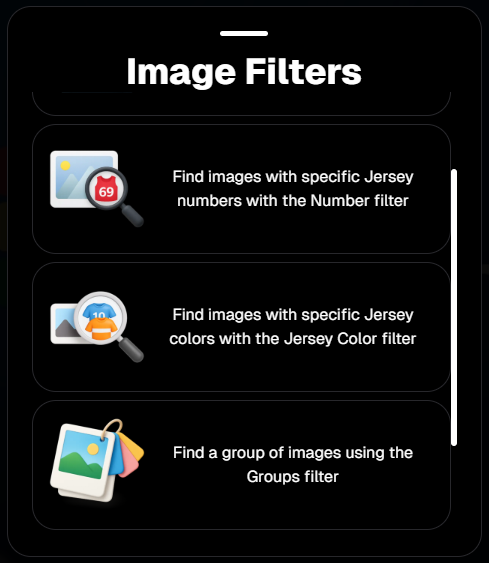
Found via the Offers tab on the Web Dashboard

Or check out the preview for yourself, using this link here!

⚙️ Dashboard Tweaks & Tools

Small changes = big improvements to your workflow. Here's what's new:

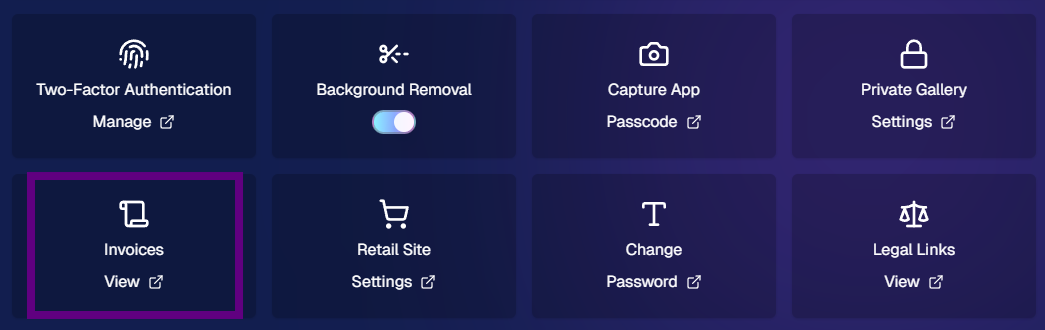
  • ✉️ You can now edit your Business Email in Profile Settings (this affects retail site contact and backprinting!)
Editable via "Business Info" within your Profile Settings on the Web Dashboard!
  • 🧮 Unassigned Image Count added to the image count popup in Manage Images
Found via the graph icon near the top of an Event's Manage Images page!
  • 🔁 Associated Events now visible at the PhotoRoster level (not just at the Org level)
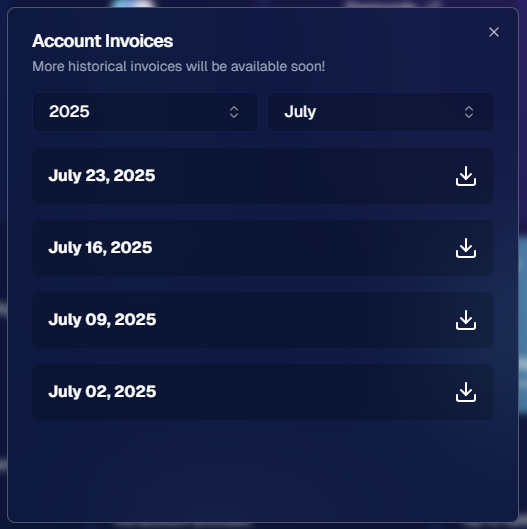
  • 📜 Offer Logs! You can now view an edit history of each Custom Offer, including edits made by you or the NowCandid™ team

🔧 Notable Fixes

We’ve patched some common hiccups:

  • 📱 Selfie Check-In bugs on newer Samsung phones
  • 📷 Fixes for uploading from camera roll on iOS
  • 🖼️ Memory Mate product bug affecting custom background rendering
  • 🚫 Express Checkout bug fix: clearer error when customers enter short names (like initials)

That’s all for this week, friends! 🥳

We're making NowCandid™ easier to use and even more powerful than ever. Thanks for sticking with us and letting us be part of your photography business journey!

If you’ve got questions, hit up Candy, our ever-present AI helper—or book a session with our team!

Until next time, keep capturing those unforgettable moments. 📸✨

Cheers and sparkles,

Candy 🍬

Let’s get in touch

If you’re a photographer looking to add NowCandid services to your wheelhouse – set up a call by clicking the button below.

How to customize formatting for each rich text

How to customize formatting for each rich text

How to customize formatting for each rich text

How to customize formatting for each rich text

How to customize formatting for each rich text

What’s a Rich Text element?

The rich text element allows you to create and format headings, paragraphs, blockquotes, images, and video all in one place instead of having to add and format them individually. Just double-click and easily create content.

A rich text element can be used with static or dynamic content. For static content, just drop it into any page and begin editing. For dynamic content, add a rich text field to any collection and then connect a rich text element to that field in the settings panel. Voila!

Headings, paragraphs, blockquotes, figures, images, and figure captions can all be styled after a class is added to the rich text element using the "When inside of" nested selector system.

  • List One
  • List Two
  • List Three
  • List Four
  • List Five

This is a link

This is bold text