

Weekly Recap: Collapsible Sidebar, QR Code Printouts & RCS Text Preview ✨📱
.png)
Hey photo friends! 👋
Candy here with another round of NowCandid updates! This week brings a more flexible Dashboard sidebar, easier QR code sharing, a new price level reference page, and a preview of cleaner-looking RCS messaging.
🖥️ Dashboard Improvements
📌 Collapsible Sidebar on desktop
- You can now collapse the Dashboard Sidebar to give yourself more room. Click the edge of the Sidebar to toggle it, or use CTRL/CMD+B or CTRL/CMD+S.
🎓 “Class of 2026” background pack added
- Available now in the Offer Creator.
🖼️ Participant Details fix
- Invisible BGR images now appear where expected.
📅 Event Calendar fix
- Hidden Events no longer appear on the Event Calendar.
⚡ Better performance for large Events
- Event Participants and Manage Images pages now behave better with several thousand participants or images, including faster initial loading, longer timeouts, and clearer loading feedback.
📊 Default Price Levels Overview is now built into the Dashboard
- The old overview Google sheet is now a proper Dashboard page that automatically updates when Default Price Levels change.
- It also has a nicer UI, provides a downloadable spreadsheet, and
- View it here: https://app.nowcandid.com/offers/price-level-overview

🔳 QR Creator Upgrade: Printable QR Code Cards
🖨️ Download a PDF sheet of QR code cards
- The NowCandid QR Code Generator can now create a printable PDF sheet with customizable text.
Great for:
🎓 Placing QR cards on graduation chairs for Selfie Check-In
🏈 Handing out QR cards at sports events linking to an All Images Gallery
📸 Creating polished cards for check-in links, retail links, or any URL you want to share
💬 RCS Messaging Preview
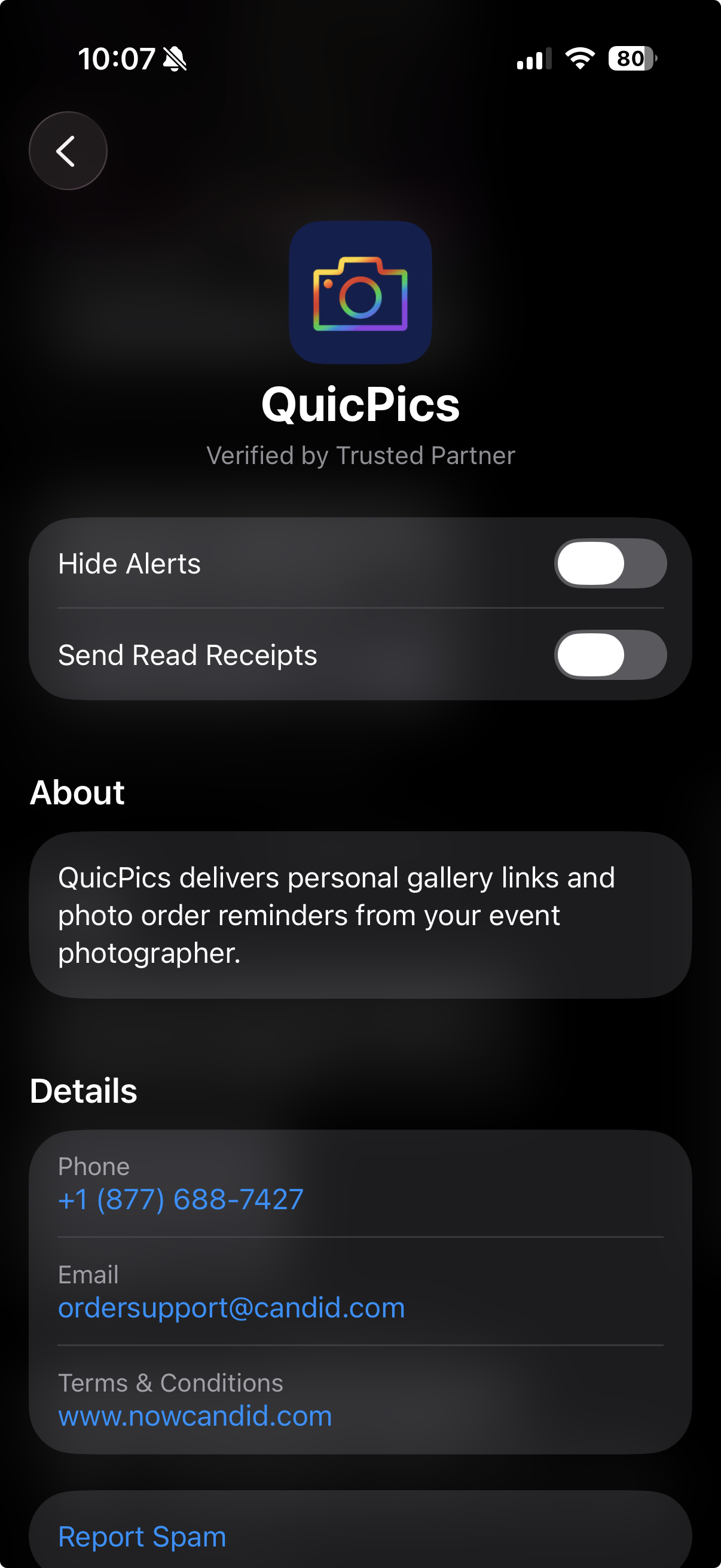
We’re testing RCS messaging for some texts.
📱 Texts can appear as coming from “FreePics” instead of a phone number
📷 Uses a generic camera-style logo to keep things white-labeled
✅ Helps messages look cleaner and easier to find
🛡️ May help reduce spam filtering in some cases
Currently, RCS is available for:
- Dashboard 2FA texts
- Find Me Portal texts
We’ll likely explore rolling this out to marketing texts after grad season.
🛍️ Retail Updates
💸 Slash-through pricing improved
- Slash-through amounts now use week 3 pricing when applicable, or à la carte pricing if that is higher.
- So now, we've ensured your customer is always seeing the maximum amount of Discount being provided! Automatically.
📦 Personal Gallery Download slash-through price
- Even though Personal Gallery Download is technically a package, it can now show a slash-through price based on the individual download product in your Event, when available.
🖼️ Better package performance with BGR images
- Selecting and editing BGR images inside packages should feel faster.
🧼 Cleaner BGR timing on retail
- Images going through background removal will no longer appear on the retail site before the BGR process is finished.
- This helps keep galleries clearer for shoppers! Especially during grad season, when high BGR volume can occasionally slow processing down.
🧩 Favorites Gallery download fix
- Fixed an edge case where the Personal Image Gallery Download product could appear for Favorites Galleries even when Dynamic Personal Gallery Download was not enabled.
🛠️ Small Fixes & Cleanup
📅 Hidden Events no longer appear on the Event Calendar.
🖼️ Invisible BGR images now display correctly on Participant Details.
⚡ Large Events with thousands of participants or images should feel more stable and responsive.
That’s the update for this week!
From a cleaner Dashboard layout to printable QR cards and better retail pricing displays, these changes are all about making NowCandid easier to use in real-world event workflows.
Keep creating magic,
Candy 🍬
.png)
.png)


.svg)


