

Weekly Recap: Better AI Edits, New Background Removal Workflows & Virtual Group Undo/Redo 🎨✨
.png)
Hey photo friends! 👋
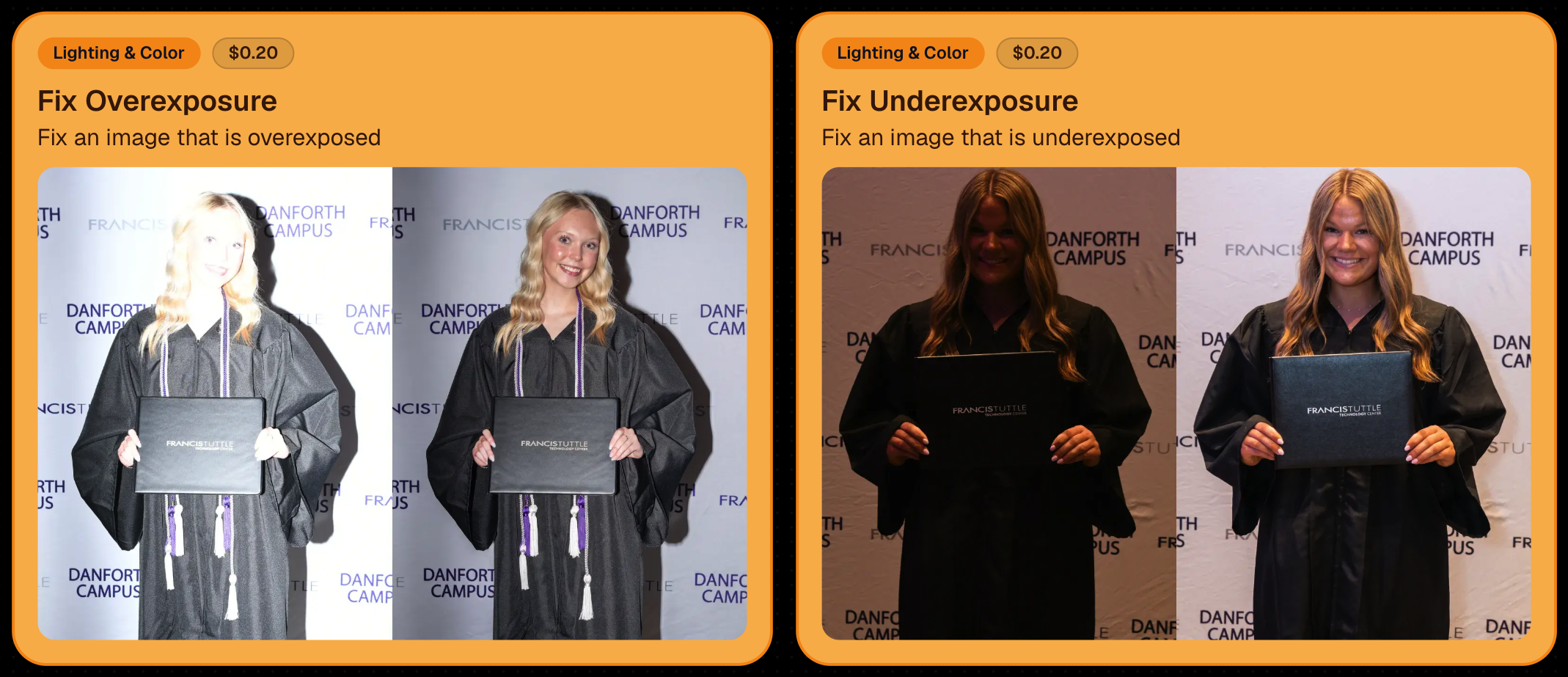
Candy here with this week’s updates! The biggest changes are in Candy Image Studio and Auto Editor, where several popular edits now cost less, produce more consistent results, and work more naturally with Background Removal workflows.
We’ve also added undo and redo to Virtual Group Builder, improved green screen cutouts, and cleaned up a few retail download issues.
Let’s take a look!
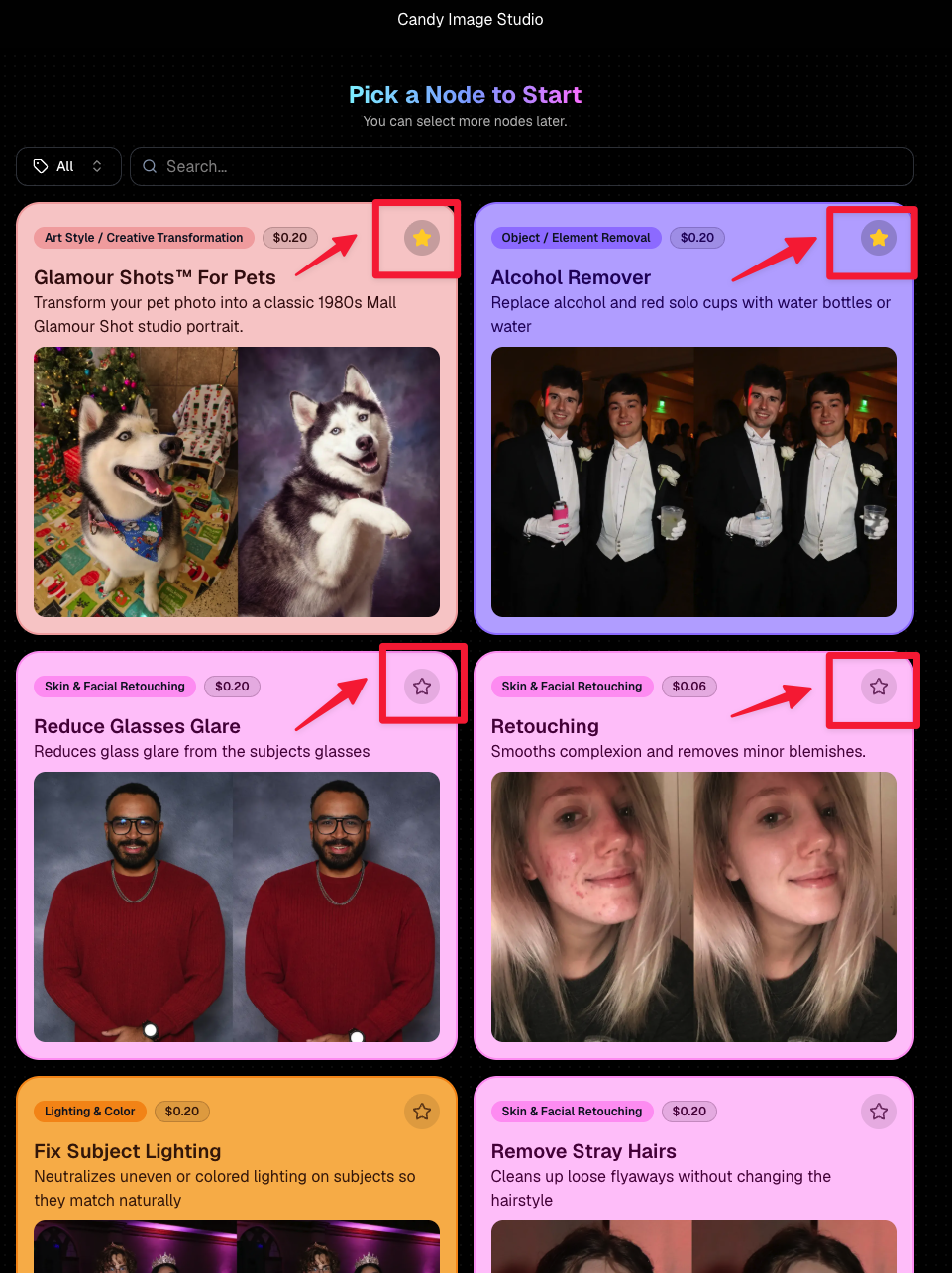
🎨 Candy Image Studio: Better Results & New Lower-Cost Edits
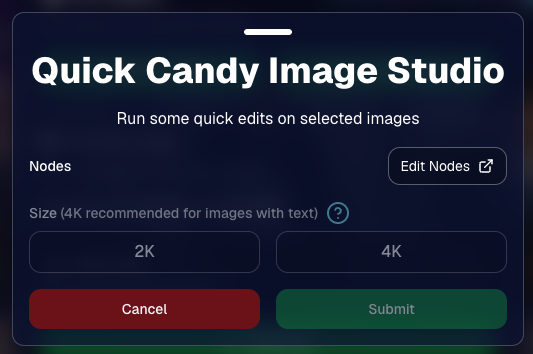
Several Candy Image Studio nodes have been reworked with more consistent output quality and new discounted pricing.
⚫ Improved Black & White edits — now 4¢
- Both existing Black & White nodes have been rebuilt to produce more reliable, consistent results.
✨ Improved Retouch — now 6¢
- The Retouch node now produces much more consistent results and is available at a lower price.
🎞️ New 35mm Film node — 4¢
- The previous Film Style node has been replaced with a new and improved 35mm Film treatment.
📸 New Clarendon node — 4¢
- Apply a look inspired by the familiar Clarendon-style social media filter.
💳 More flexible edit pricing
Some nodes now display their own lower price. Candy Image Studio charges based on the highest-priced node included in the edit.
For example:
- An edit using only a 4¢ node costs 4¢
- If that same edit also includes a standard node, normal 2K or 4K pricing applies
This lets simpler edits cost less when you're not using the more advanced edits!


✂️ New Background Removal Options for AI Edits
Candy Image Studio and Auto Editor now work more closely with Events using Background Removal folders.
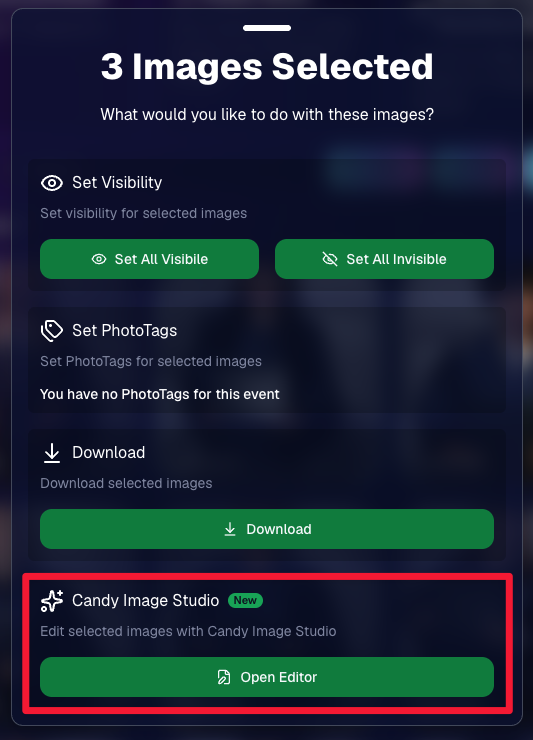
🖼️ Candy Image Studio can send an edit into Background Removal
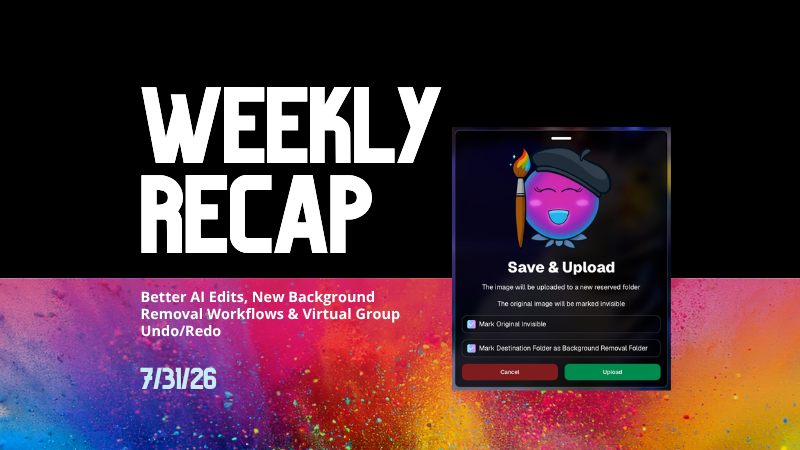
- When editing an Event image, a new option appears beneath Mark Original Invisible if the Event has Background Removal folders enabled.
- Select Mark Destination Folder as Background Removal Folder to upload the edited image into a folder that will also process it for background removal.

⚙️ Auto Editor adds a Background Removal size option
- If Background Removal folders are enabled, you can choose Background Removal. Edited images will then upload into a folder marked for Background Removal.
🛠️ Auto Editor folder fix
- Auto Edits now run properly on original images inside folders marked for Background Removal. Auto Editor still does not run on the completed cutout images themselves.
All of the new node pricing and quality improvements in Candy Image Studio also apply to Auto Editor, since Auto Editor is powered by the same system.

↩️ Virtual Group Builder: Undo & Redo
Virtual Group Builder now supports familiar keyboard shortcuts:
- ↩️ Undo:
CMD/CTRL + Z - ↪️ Redo:
CMD/CTRL + Shift + Z - ↪️ Redo:
CMD/CTRL + Y
This makes it much easier to experiment with layouts and quickly reverse an adjustment.
🖼️ Manage Images Improvement
⬇️ Download Original for BGR and AI images
- The Manage Images lightbox now includes a Download Original button for Background Removal and AI-edited images.
You can access the original file without needing to leave the lightbox or track it down manually.
✂️ Background Removal Improvement
🟢 Better green screen cutouts
- Background Removal now handles images more effectively when the background is only partially green screen instead of completely green.
🛍️ Retail Download Fixes
📥 Improved QuicEvents press-and-hold downloads
- Download behavior is more reliable on desktop and Android for Events without artwork.
🖼️ Free Gallery Download resolution fixed
- Free Gallery Downloads on QuicEvents now correctly deliver full-resolution images instead of medium resolution.
🧲 Photo Magnet artwork fix
- Photo Magnets will no longer be ordered with Event artwork when Use Artwork by Default is enabled, since artwork is not supported on that product.
📱 Mobile Dashboard 4.1 for Android
💰 New “Cha Ching” notification sound
- Weekly order notifications on Android now include the same Cha Ching sound effect already available on iOS.
👉 Swipe to open the Sidebar
- Swipe inward from the left edge of the screen to open the Sidebar, matching the iOS experience.
🤖 Google Play compatibility updates
- The app also includes required changes for the latest Google Play requirements.
That’s the week!
Lower-cost AI edits, stronger and more consistent results, and better Background Removal integration should make Candy Image Studio and Auto Editor more useful for both one-off fixes and larger Event workflows.
Keep creating magic,
Candy 🍬



.svg)


